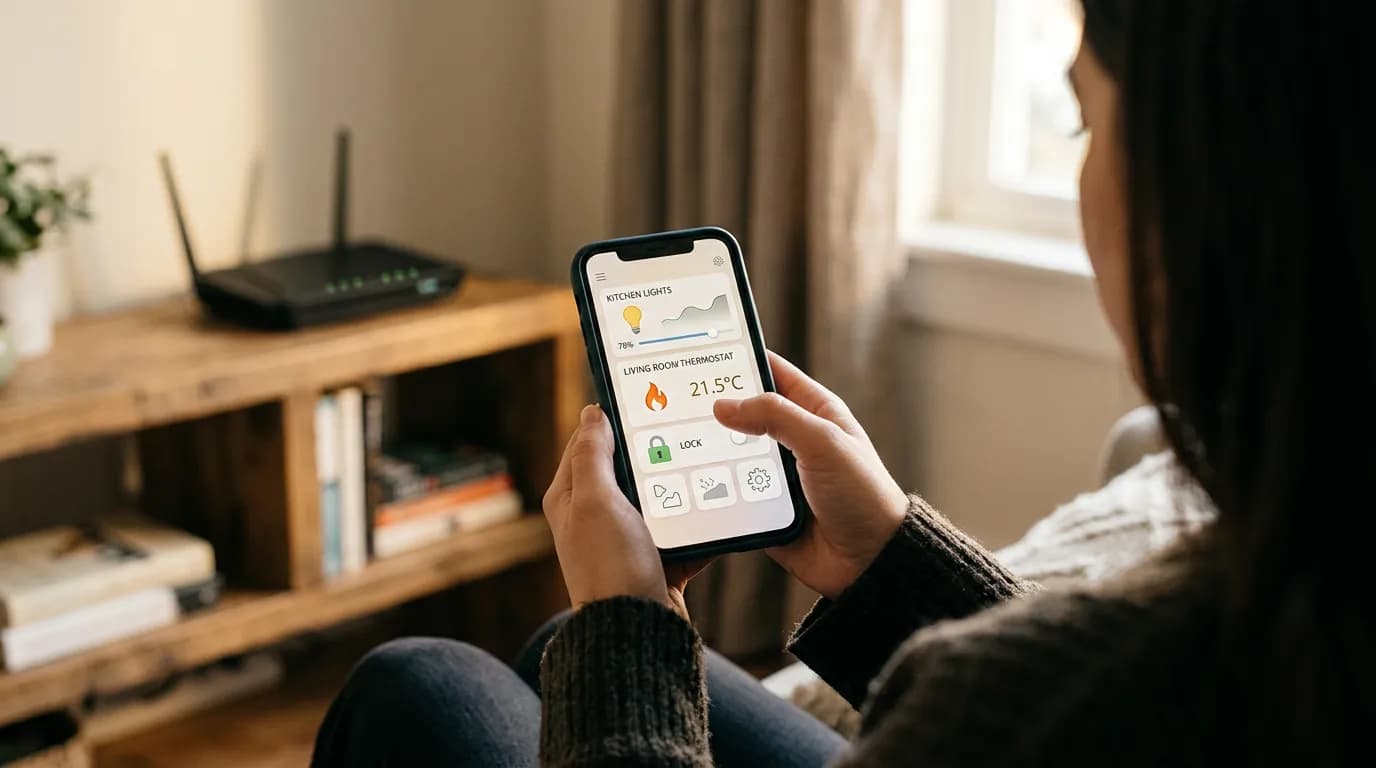

Any HVAC technician will tell you to check your thermostat settings before they touch the equipment itself, and there's a reason for that: the device controlling the system is as important as the system it controls. Smart home devices have quietly become the same kind of control layer, sitting between you and your heating, locks, lighting, and security. When one fails, the consequences ripple further than the device itself.
Smart home maintenance routines are still treated as an afterthought by most homeowners. Firmware goes unpatched for months. Hub batteries die quietly. Sensors drift out of calibration without a single alert. The result isn't a dramatic outage; it's slow erosion. A door sensor that stopped reporting three weeks ago. A thermostat schedule that never switched to cooling mode because the time zone reset after a power outage.
The tension worth holding onto: automation is supposed to reduce your maintenance burden, but an unmanaged smart home creates a different kind of burden entirely. Every device you add is a thing that can fail silently. That's not a reason to avoid smart home tech. It's a reason to build a maintenance rhythm before you need one.
What Actually Breaks and Why
The failure modes for smart home devices cluster around a few predictable causes, and understanding them shapes everything else about how you schedule maintenance. Firmware bugs and compatibility breaks are the most common cause of sudden automation failures. A hub update or a cloud platform change can push devices into an unresponsive state overnight with no action on your part. Z-Wave and Zigbee mesh networks degrade when a device is removed or fails, leaving gaps that other devices can't route around without re-pairing. Wi-Fi based devices are vulnerable to IP address drift when a router is replaced or rebooted without reserved addresses.
Battery-powered sensors are the quiet killers. A contact sensor on a door might report low battery for weeks before it actually stops reporting, and many homeowners miss that notification or never configured it. Motion sensors in corners, smoke detectors with smart integrations, water leak sensors under sinks: these devices are often set up once and forgotten until they matter. That's the wrong model.
Or rather: it's not just that batteries die. The problem is that battery failure usually coincides with the device going offline, and an offline sensor looks identical to a sensor that has nothing to report. Your hub shows no alerts. Everything looks normal. This is the specific failure mode that catches people off guard when a water sensor under the washing machine hasn't responded since November.
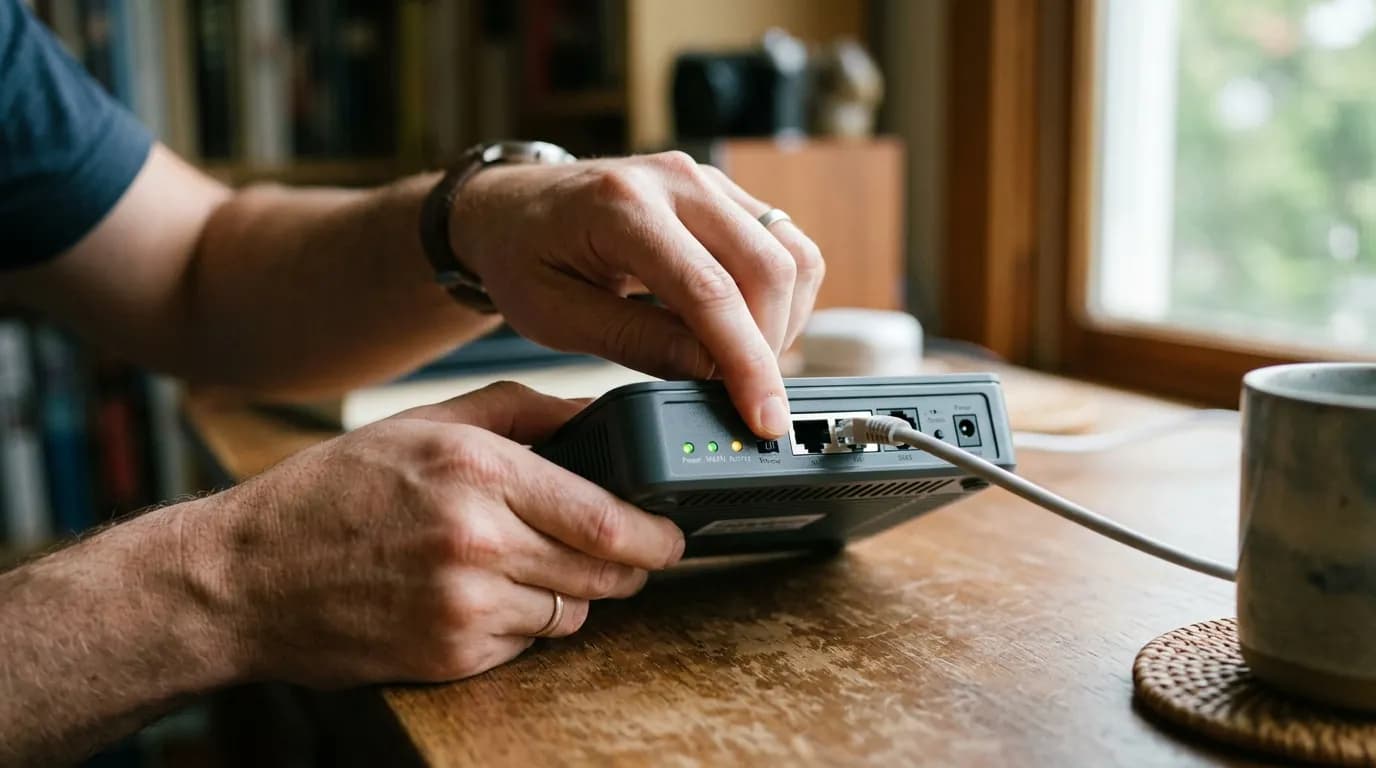
Wi-Fi congestion is underrated as a failure driver. As device count grows, channel saturation on the 2.4 GHz band degrades reliability for older smart devices that can't use 5 GHz. A router upgrade that changes the SSID or password instantly orphans every device that isn't updated, which on a larger system can take hours to resolve. Reserving IP addresses by MAC address in your router settings and documenting your network credentials prevents most of this class of problem.
Building Your Maintenance Schedule
A realistic smart home maintenance schedule runs on three cycles: monthly checks take about ten minutes, quarterly checks take roughly thirty, and an annual pass takes an hour or two depending on system size. The goal isn't perfection; it's catching failures before they matter.
Monthly, do three things: confirm all devices show online in your hub or app, check battery levels on every sensor and remote, and review your automation logs for failed triggers. Most platforms including Amazon Alexa, Google Home, Apple Home, and dedicated hubs like SmartThings and Home Assistant log automation runs. A trigger that fired zero times last month when it should have fired dozens is a signal, not a coincidence.
Quarterly, go deeper. Pull firmware update history for your hub and primary devices. Check whether your router's firmware is current. Test your smoke and carbon monoxide detectors manually, including any smart integrations that should fire an alert or activate lights. Re-run your Z-Wave or Zigbee network repair utility if your hub supports it. Routers from manufacturers like Eero, Asus, and Ubiquiti have firmware that ships on its own schedule, and letting it fall six months behind is a real security exposure, not a theoretical one.
The annual pass is where you assess the system as a whole. Check which devices are no longer receiving manufacturer support. Review your hub platform's compatibility changelog for anything deprecated. A device that was fully supported two years ago may have had its cloud integration dropped, which means it now requires a local workaround or replacement. This is also the right time to audit your Wi-Fi network layout: how many devices are connected, which band they're on, and whether your router is positioned to cover the areas where your sensors live.
I'd start with the hub health check, not the devices themselves. A hub that's running outdated firmware is a single point of failure for everything downstream, and it's the check most people skip entirely.
The Devices That Need More Attention Than You Think
Smart thermostats get the most attention in any smart home setup, and they probably deserve it. The Nest Learning Thermostat and Ecobee SmartThermostat both have documented behaviors worth knowing: Nest's schedule learning can drift if household patterns change significantly, and the system won't flag this as a problem. Ecobee's occupancy sensors improve efficiency but require occasional repositioning as furniture or room use changes. Check your thermostat's heating and cooling season transition manually: the schedule that worked in February may not serve you in May.
Smart locks are the devices where failure carries the most practical consequence. A Yale or Schlage smart lock with a dead battery defaults to manual key operation, which sounds fine until you realize you haven't used that key in two years and aren't sure where it is. Battery check cadence for smart locks should be monthly, not quarterly. Most locks give a low-battery warning via a beeping pattern on the keypad; make sure you know what yours sounds like.
This article isn't covering smart appliances with manufacturer service contracts or enterprise-grade home automation systems requiring professional installation. The guidance here applies to consumer-grade smart home products installed and managed by the homeowner.
Water leak sensors are the most neglected category and the highest-consequence one. A sensor under a refrigerator or washing machine that has been offline for three months provides exactly zero protection. Check them monthly. Replace batteries proactively at six months regardless of reported level, because the reported level on cheap sensors is often inaccurate. If you're only going to automate one alert in your smart home setup, make it a water sensor notification to your phone.
When Your Routine Should Change
The schedule above works well for a stable system. Several conditions break that assumption.
After any significant platform update from your hub manufacturer, run a full device check the same day. Platform updates are the single most common source of automations silently breaking. Google Home and Amazon Alexa have both pushed updates that changed how routines execute or deprecated device integrations without prominent notification. SmartThings has done this repeatedly during its platform migrations. Waiting until you notice a problem means waiting until the problem has already affected something you care about.
If you add more than two or three devices in a short period, your mesh network topology changes and existing automations may route differently. This is less relevant for Wi-Fi devices but directly relevant for Z-Wave and Zigbee. Run a network repair after any batch installation. The repair utility in Home Assistant, SmartThings, and most dedicated Z-Wave controllers re-optimizes routing automatically, but it only runs when you tell it to.
The downside case worth naming: if your internet connection is frequently unstable or your router is more than five years old, a cloud-dependent smart home setup will be a source of ongoing frustration rather than convenience. Many devices that appear to work locally will silently depend on cloud confirmation for certain automations. Devices using local processing only, like most Zigbee devices paired to a local hub such as Home Assistant running on a Raspberry Pi or similar, are more resilient in this scenario. If you're in a rural area with unreliable ISP service, local-processing architecture isn't just a preference. It's the only configuration that holds up.
What Gets Skipped Until It's Too Late
Network security is the maintenance category homeowners consistently defer. A smart home with fifteen devices on the same network segment as your laptop and phone is a meaningful attack surface. The standard recommendation from cybersecurity researchers and the Cybersecurity and Infrastructure Security Agency (CISA) is to place IoT devices on a separate VLAN or guest network, isolating them from devices that hold financial or personal data. This doesn't require enterprise hardware; most modern consumer routers including models from Eero Pro, TP-Link Archer, and Asus support VLAN or guest network configuration.
Password hygiene on smart home platforms is neglected in a way that's hard to overstate. Reusing a password from another service on your Nest, Ring, or SmartThings account means a breach anywhere in your digital life potentially exposes your home's locks, cameras, and alarm system. Enable two-factor authentication on every smart home platform that supports it. This takes five minutes and eliminates the most common account compromise vector.
If you skip the security maintenance entirely and rely on default credentials and shared networks, the consequence isn't abstract. Compromised smart cameras and routers have been documented in FBI advisories as entry points for broader network intrusion. The FBI's Internet Crime Complaint Center publishes guidance on IoT security annually. That's not alarmist framing; it's the consequence of treating smart home security as optional.
The maintenance item that gets the least attention is documentation. Write down your device list, the automation logic for your most critical routines, and your network credentials in a format you can access when the system is down. A shared note in a family password manager works. A sticky note on the router does not. When your hub fails at 11 PM and you're trying to restore from backup, having that documentation is the difference between a one-hour fix and a two-day rebuild.