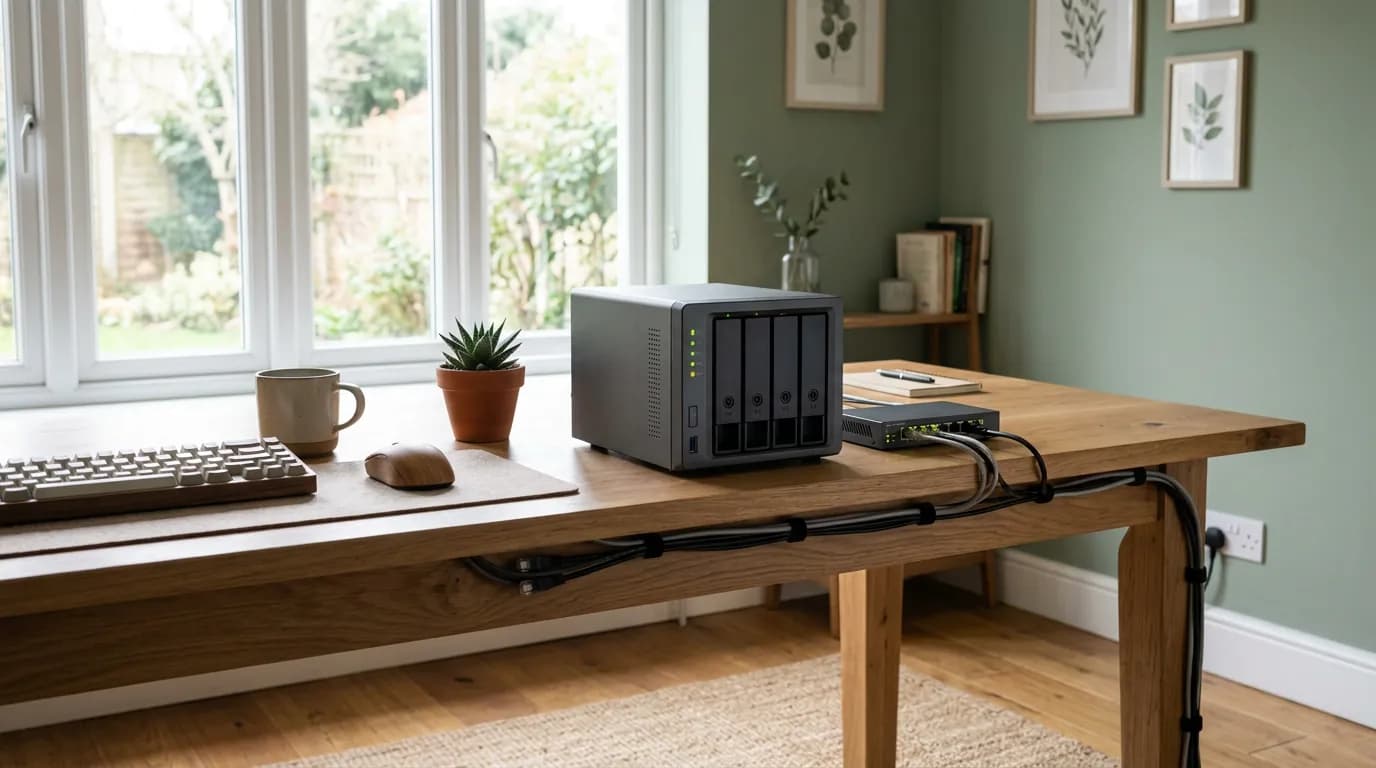
Security camera companies have been hacked, their footage leaked, and their users left with no recourse because the video lived on someone else's server. That's a real risk in privacy-focused smart home security, and it's one the hardware marketing rarely surfaces.
The core tension here isn't between wired and wireless, or expensive and cheap. It's between convenience and control. Systems that process data locally, on a device in your home, give you genuine ownership. Systems that push everything to a vendor's cloud give you a slicker app and a third-party dependency you didn't fully choose.
Your actual threat model matters enormously before you spend a dollar. A renter in a studio apartment has almost nothing in common with a homeowner running a home office with network-attached storage. The right architecture for one is a waste of money for the other.
And here's the tension most buyers don't resolve before purchasing: local processing protects your data from vendor breaches, but it also means you carry the maintenance burden. That tradeoff doesn't disappear with a better camera or a smarter hub.
Why Cloud-Default Systems Are a Structural Risk
The problem isn't that cloud storage is inherently insecure. The problem is that you lose control of the decision. When a smart camera sends footage to a vendor's cloud, your data sits under their security posture, their data-sharing agreements, and their business model, not yours.
Ring's 2019 data breach, confirmed by the company after reporting by TechCrunch, exposed employee access to customer video. Amazon's Ring has also faced scrutiny from Sen. Ed Markey's office and the FTC over data-sharing practices with law enforcement. These aren't hypothetical risks. They're documented outcomes from systems that millions of Americans use right now.
That framing misses something. The issue isn't just breach risk. It's that cloud-dependent systems create a permanent condition where your home's interior footage, motion patterns, and entry times are business assets for someone else. Even if no breach ever occurs, that data can inform targeted advertising, be shared under broad terms of service, or become subject to a legal demand you never see.
Local-processing systems, by contrast, keep that data on hardware you physically control. Nothing leaves your network unless you configure it to. That's not a minor feature distinction. It changes the fundamental ownership relationship.
Local Processing: What It Means and What It Costs
Local processing means the camera, sensor, or hub analyzes data on-device or on a local server, rather than sending raw streams to an external server for processing. The practical result: faster response times, no monthly subscription fees, and no vendor breach exposure for your footage.
The two most credible paths in the US market right now are Home Assistant (open-source, self-hosted) and Ubiquiti's UniFi Protect (commercial, network-grade hardware with local NVR storage). These aren't the only options, but they're the ones with the deepest US user communities, documented long-term support, and genuine local-first architecture.
Home Assistant runs on a Raspberry Pi 4 or a dedicated mini-PC (a used Intel NUC runs around $150-200). It integrates with Z-Wave and Zigbee sensors, which communicate locally without any cloud dependency at the protocol level. The upfront investment in hardware and setup time is real. Expect 8-15 hours to configure a solid initial setup if you're comfortable with Linux-adjacent tools. But the payoff is complete control: no subscription, no data leaving your network, and no vendor able to sunset your system on a financial whim.
UniFi Protect costs more upfront. A UDM Pro SE (the controller device) runs around $500, and cameras start at roughly $130 each. But it's a genuinely consumer-accessible local NVR system with a polished app, and the footage never leaves your network unless you explicitly enable remote access through Ubiquiti's servers.
Or rather: the Ubiquiti path is local-first, but enabling remote viewing does route through their servers. If you want zero cloud exposure, you configure a VPN back to your home network and access the system directly. That's a step most users skip, and skipping it partially undermines the privacy architecture.
What to Check Before You Buy Any Smart Security Device
The single most useful filter is whether the device can function entirely without its companion app or cloud account. If the answer is no, it's cloud-dependent by design, regardless of how the marketing frames "privacy."
Check sq footage, device count, Thread/Z-Wave/Zigbee support first. Those three factors determine whether your devices can communicate locally or whether they're designed to call home on every interaction.
The FTC has issued guidance on IoT device security (most recently updated in their 2023 publication "Careful Connections: Building Security in the Internet of Things"), and it flags firmware update access, data minimization, and default password practices as the key indicators of a vendor's actual security posture. A company that ships devices with default admin credentials and no automatic firmware updates is telling you something important about how they weight security against speed to market.
On the network side, the National Institute of Standards and Technology (NIST) recommends placing IoT devices on a dedicated VLAN, isolated from your primary devices. This is practical heuristic-level advice, not a hard regulatory requirement, but it's the single most effective network-level protection available to a home user. A camera compromised by a third-party vulnerability can't reach your laptop or NAS if it's on a separate subnet with firewall rules blocking inter-VLAN traffic.
What you won't find in most buying guides: check whether the device manufacturer has a published vulnerability disclosure program. Companies that accept and respond to security researcher reports are structurally more trustworthy than those that don't. The Cybersecurity and Infrastructure Security Agency (CISA) maintains guidance on coordinated vulnerability disclosure that's worth reading before you trust a vendor.
The Failure Mode: When Local-First Isn't Enough
Privacy-first architecture doesn't protect you from a misconfigured router. And it doesn't protect you if your local server is running software you haven't patched in eight months.
The downside case for local-processing systems is specific: if you're not someone who will apply firmware updates, harden default credentials, and maintain network segmentation over time, a well-managed cloud system from a reputable vendor may genuinely expose you to less risk than a poorly maintained local setup. Self-hosted security is not a "set it and forget it" proposition. Treating it that way is how you end up with an unpatched Home Assistant instance on port 8123 open to the internet.
This matters for renters, too. If you're in a rented property where you can't control the router or install structured cabling, the practical ceiling on local-first architecture is lower. You can still run Zigbee sensors locally through a Zigbee2MQTT bridge on a local hub, but your network security depends on a router you don't own. That's a real constraint, not a theoretical one.
The alternative many buyers consider is a professional monitored system like SimpliSafe or Abode. Both offer local processing modes (Abode's hub stores locally; SimpliSafe added a local alarm mode in recent hardware revisions), and they include 24/7 monitoring that a pure DIY local system can't replicate without a paid third-party service. If your threat model includes physical intrusion and you want a human response, the privacy tradeoffs of a hybrid system may be worth accepting. I'd start with Abode if you want monitored plus local-leaning architecture, because their hub operates independently from the cloud in a way SimpliSafe's core alarm logic still doesn't.
But if you skip local processing entirely in favor of a cloud-default system with weak data controls, you're accepting a background condition where your home's behavioral patterns are someone else's data. That consequence doesn't announce itself. It accumulates silently over months and years.
Building a Privacy-First System: A Practical Decision Path
The architecture decision comes first, before any device purchase. If you're buying cameras, sensors, and a hub without deciding how data flows through your network, you'll end up patching backward, which is painful and expensive.
Start with these questions in sequence:
- Can you manage a local server (Home Assistant, NVR)? If yes, start there and add devices with local protocols.
- Do you need professional monitoring? If yes, evaluate Abode or a hybrid system before a pure DIY path.
- Is your router under your control? If not, your network-level protection has a hard ceiling.
- Will you apply updates and maintain the system over time? Honest answer only.
For camera selection specifically, look at cameras that support RTSP streams, which lets a local NVR record without the camera's cloud being involved at all. Reolink and Amcrest both offer RTSP-capable cameras at consumer price points (typically $40-90), though neither company's privacy posture is in the same tier as Ubiquiti. They're practical stepping stones, not endpoints.
Privacy-focused smart home security isn't primarily a hardware problem. It's a data architecture problem. The hardware is the easy part. Where the data lives, who can access it, and whether your setup will stay current over the next three years, those are the questions that determine whether your security system is protecting you or just making you feel protected.
Lock down your router's admin panel with a strong unique password, segment IoT devices onto their own VLAN, enable automatic firmware updates where available, and route any remote access through a VPN. These steps cost nothing and close the most common failure modes before a single camera gets mounted.