An electrician will tell you to think about your existing wiring before anything else, and there's a reason for that. Smart lighting sounds like a simple plug-and-play upgrade, but the gap between a system that genuinely improves daily life and one that collects dust in a junk drawer comes down to a handful of decisions most buyers skip entirely.
The phrase "smart lighting" covers everything from a $10 color-changing bulb to a $3,000 whole-home Lutron system, and treating them as comparable is where most projects go wrong. Color temperature, protocol compatibility, and dimmer wiring each pull the outcome in different directions, and none of them announce themselves on a product box.
Here's the tension that's easy to miss: the features that make smart lighting genuinely comfortable, like automatic dimming tied to time of day, tend to require a hub or a compatible ecosystem, while the products marketed hardest are the ones that work standalone. You can buy a smart bulb in five minutes and have it running in ten. Whether it does anything meaningful for your comfort over the next three years is a different question entirely.
Why Most Smart Bulbs Disappoint Within a Year
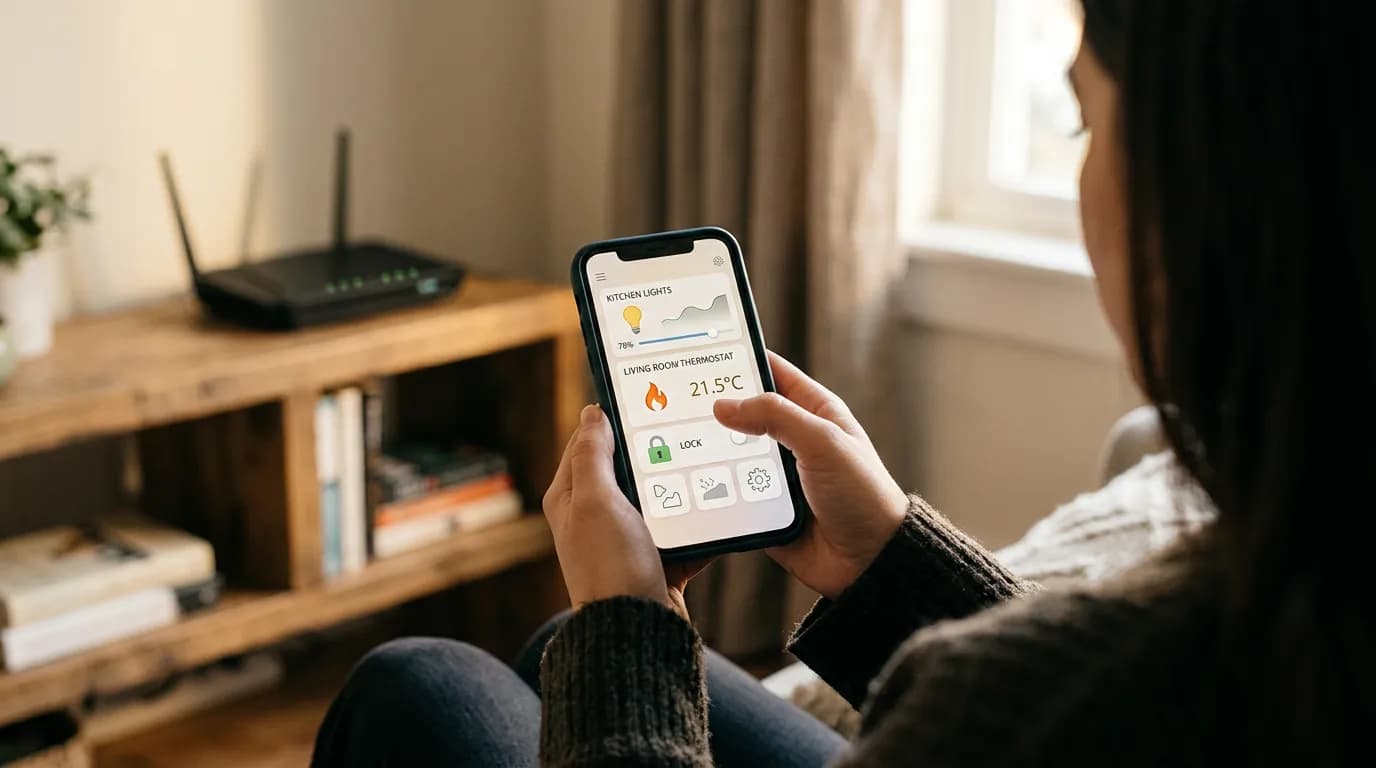
The failure mode isn't the bulb burning out. It's the app getting abandoned. Philips Hue has roughly 70 million connected devices in use globally, and the company's own data has indicated that users who set up schedules and scenes in the first week are far more likely to still be actively using the system a year later. That's not surprising, but it points at the real problem: most people buy smart bulbs for the novelty and never configure the behavior that makes them useful.
Smart bulbs communicate over one of three protocols: Wi-Fi, Zigbee, or Thread/Matter. Wi-Fi bulbs (like most TP-Link Kasa and Wyze products) connect directly to your router, which is convenient but creates congestion on a 2.4 GHz network if you add more than eight to ten of them. Zigbee and Thread-based bulbs (Philips Hue, Ikea Tradfri, Sengled) form a mesh network, which scales better but requires a hub or a Matter-compatible smart home controller.
That framing misses something. The protocol question isn't just about convenience, it's about whether your system keeps working when your router reboots or your internet goes down. Zigbee and Thread networks operate locally, meaning your lights respond even without cloud connectivity. Wi-Fi-only bulbs that rely on manufacturer servers go dark the moment that company discontinues support, which has happened repeatedly, including with products from Wink and Belkin WeMo's older lineup.
If you already own an Amazon Echo (4th generation or later), Google Nest Hub (2nd generation or later), or Apple HomePod mini, you have a Thread border router sitting in your house right now. That changes the calculus meaningfully. You can run Thread-based bulbs like Nanoleaf Essentials without a separate hub, and they'll work locally.
Color Temperature Is the Comfort Variable Nobody Explains
Lumens measure brightness. Kelvins measure color temperature. Buyers optimize for lumens and ignore Kelvins, which is roughly like buying a mattress based on its weight.
Warm white light runs between 2700K and 3000K. Neutral white sits around 3500K to 4000K. Cool daylight runs from 5000K to 6500K. The research on this is fairly consistent: exposure to light above 4000K in the two hours before bed suppresses melatonin production, which the National Sleep Foundation and multiple sleep medicine studies have connected to delayed sleep onset. For a bedroom or living room used in the evening, you want a bulb that can shift toward 2700K after 8 PM.
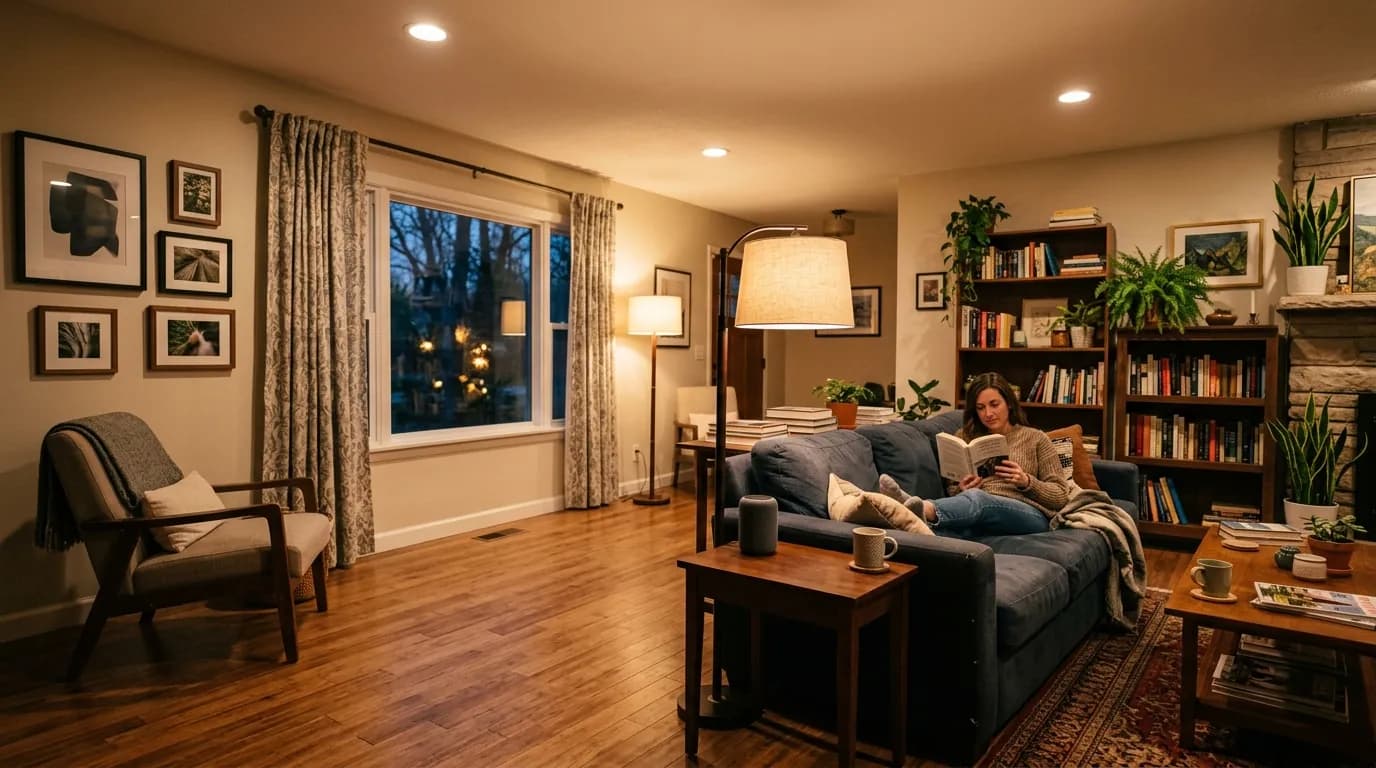
Or rather: the shift matters less if your ambient light comes from lamps rather than overhead fixtures. A single 2700K lamp at eye level creates a very different physiological effect than a 3000K overhead recessed light that washes the ceiling. Overhead light at any color temperature is harder on sleep quality than warm directional light from a lamp, because the retina is more sensitive to light entering from above. This is a mechanism most smart lighting guides skip entirely.
Tunable white bulbs, which can shift between warm and cool across their range, cost roughly $15 to $40 each compared to $8 to $15 for a fixed-temperature smart bulb. The premium is worth paying in bedrooms, home offices, and living rooms used after dark. In a garage, utility room, or closet, a fixed cool-white smart bulb is fine and the tunable upgrade is a waste of money.
RGBW bulbs add color capability on top of tunable white. They're genuinely useful for accent lighting and ambiance, but the color modes get used sporadically by most households after the first month. I'd start with tunable white in every living space and add color only where you actually want accent lighting, not just because the feature is available.
Building a Setup That Actually Automates
The difference between a smart home and a slightly more complicated home is automation. A bulb you still have to control manually through an app is just a regular bulb with extra steps.
Three things determine whether automation works reliably: a stable local network, a compatible voice assistant or hub, and scenes configured before you need them. Check these before you buy anything else.
Schedules are the starting point. Set living room lights to dim to 40% brightness and 2800K at 9 PM automatically, and you've done more for your evening comfort than any color-changing scene. Amazon Alexa Routines, Google Home Automations, and Apple Shortcuts all support time-based lighting triggers without any additional hardware beyond the bulbs themselves, provided those bulbs are compatible.
Motion-triggered lighting in hallways and bathrooms is where smart lighting earns its cost fastest. A motion sensor like the Philips Hue Motion Sensor ($25) or the Aqara Motion Sensor P1 ($18) can trigger a hallway light at 10% brightness for nighttime navigation without waking anyone up. Compare that to leaving a nightlight running 24 hours a day, and the energy math favors the motion trigger by a fair margin over a year.
Voice control is convenient but not essential. If you're primarily interested in scheduled behavior and energy management, you don't need to speak to your lights at all. Automations handle it. Voice control becomes genuinely valuable when someone in the household has mobility limitations or when you want to adjust lighting without hunting for a switch in a dark room.
The one thing that breaks automations reliably is a smart bulb installed in a fixture where someone still uses the physical wall switch. If the switch cuts power to the bulb, the bulb loses its network connection and misses every scheduled command until someone turns it back on manually. The fix is either a smart switch that replaces the wall switch entirely (Lutron Caseta and Leviton Decora are the two most reliable US options) or a switch guard that prevents the physical switch from being toggled. Smart switches cost $40 to $80 each but solve the problem permanently.
When Smart Lighting Doesn't Make Sense
Renters in apartments with landlord-controlled electrical panels can't install smart switches without permission, which limits options to bulb-only solutions. That's workable but it means every fixture needs a bulb replacement, and any common-area or exterior lighting stays dumb. Budget accordingly.
Older homes with ungrounded two-wire electrical systems (common in houses built before 1965) create a genuine compatibility issue with many smart switches, which require a neutral wire. Some switches, including the Lutron Caseta line, are specifically designed to work without a neutral wire. But if you're not sure what's in your walls, have an electrician confirm before buying hardware.
Homes with LED-incompatible dimmers already installed will see smart bulbs flicker or fail to dim correctly. The bulb isn't defective; the dimmer is wrong for the load. This is one of the more common sources of bad reviews for otherwise decent products.
If you skip smart lighting entirely and just replace all your bulbs with high-quality LED bulbs at 2700K, you'll get most of the comfort benefit for a fraction of the cost. The energy savings from LED conversion alone are real and immediate. What you give up is automation and the ability to shift color temperature after dark. For households with consistent schedules and no particular interest in home automation, that tradeoff is entirely reasonable. Smart lighting isn't a universal upgrade.
Getting the Energy Math Right
A standard 60-watt incandescent bulb replaced by a 9-watt LED smart bulb saves roughly 51 watts per hour of use. At the average US residential electricity rate of about $0.16 per kilowatt-hour (per EIA data), a single bulb running four hours a day saves around $11.90 per year. That's not dramatic on its own, but across 20 bulbs in a typical house, it's closer to $238 annually, which starts to offset the cost of the smart bulbs themselves within two to three years.
Motion-triggered automation adds another layer. A bulb in a frequently forgotten room, like a basement or mudroom, that's being left on for six hours a day instead of the two it actually needs is wasting four hours of electricity daily. A motion sensor with a five-minute shutoff timeout captures that waste automatically.
The energy argument for smart lighting is strongest in larger homes with many fixtures and weakest in small apartments where you're replacing two or three bulbs. Don't let the energy pitch drive the decision in a 600-square-foot apartment. It won't pencil out for years. The comfort and automation case is stronger than the energy case for most urban renters.
What happens if you do nothing? You keep paying for bulbs that fail every year or two, miss the sleep quality improvement from warm evening lighting, and continue switching lights off manually in rooms you forget about. None of that is catastrophic, but the compounding cost of inefficiency, both financial and in daily friction, is real. After five years, the gap between a well-configured smart lighting setup and the status quo is measurable in dollars and in sleep.
Where to Start Without Overcommitting
Start with one room and one ecosystem. Mixing ecosystems, say, Philips Hue in the bedroom and TP-Link Kasa in the kitchen, works until you want a single automation that coordinates both, at which point you need a hub that speaks to both or you manage two separate apps forever.
Pick the room where lighting most affects your daily experience. For most households that's the bedroom or the main living room. Install tunable white bulbs, set a schedule that warms and dims after 8 PM, and live with it for two weeks before buying anything else. You'll know within a week whether the automated behavior is actually changing how you feel in the evening.
Before expanding, confirm: bulb count per room, your router's 2.4 GHz device load, whether your switches are compatible, and whether you want local control via a hub or cloud-dependent convenience. Those four factors determine which ecosystem makes sense, and getting them wrong means replacing hardware you already bought.
The broader smart home industry is moving toward Matter, the cross-manufacturer interoperability standard launched in late 2022 and backed by Apple, Google, Amazon, and Samsung. Matter-compatible devices can work across ecosystems without a brand-specific hub. Not every product category has full Matter support yet, but the lighting category is reasonably mature. Buying Matter-certified bulbs now is a reasonable hedge against ecosystem lock-in, though it's not an emergency if the product you want isn't Matter-certified yet.