Electricians will tell you to plan your circuits before you buy a single smart switch, and there's a reason for that. The wiring in a 1970s ranch house and a new construction townhome don't behave the same way, and neither do the routines of someone who leaves at 5:30 AM versus someone who works from home until 6 PM. Smart home automations are only as good as the life they're designed around.
Room-by-room smart home automations are the practical answer to a question most buyers figure out too late: buying a handful of smart bulbs and a voice assistant doesn't make a home smart. Automation does. The difference is whether your house reacts to you or you're still managing it manually.
Three variables actually determine whether an automation holds up past the first month: protocol compatibility (Z-Wave, Zigbee, Thread, or Wi-Fi), hub dependency, and how well the trigger logic matches real household behavior. Most people skip the protocol question until they're staring at a device that won't pair.
That last problem is worth sitting with. You can spend $800 on smart devices and still wake up to an overheated bedroom because the thermostat routine didn't account for your teenager leaving the window open. The gap between a smart home that impresses guests and one that genuinely reduces daily friction is almost always in how the automations are built, not what hardware is installed.
Start With the Rooms That Cost You the Most
Before you automate for convenience, automate for dollars. The two rooms with the clearest payback in American homes are the HVAC-connected spaces (primarily living room and bedrooms) and the laundry or utility area. According to the U.S. Department of Energy, heating and cooling typically account for nearly half of a home's total energy use. A thermostat that learns or schedules intelligently isn't a luxury feature.
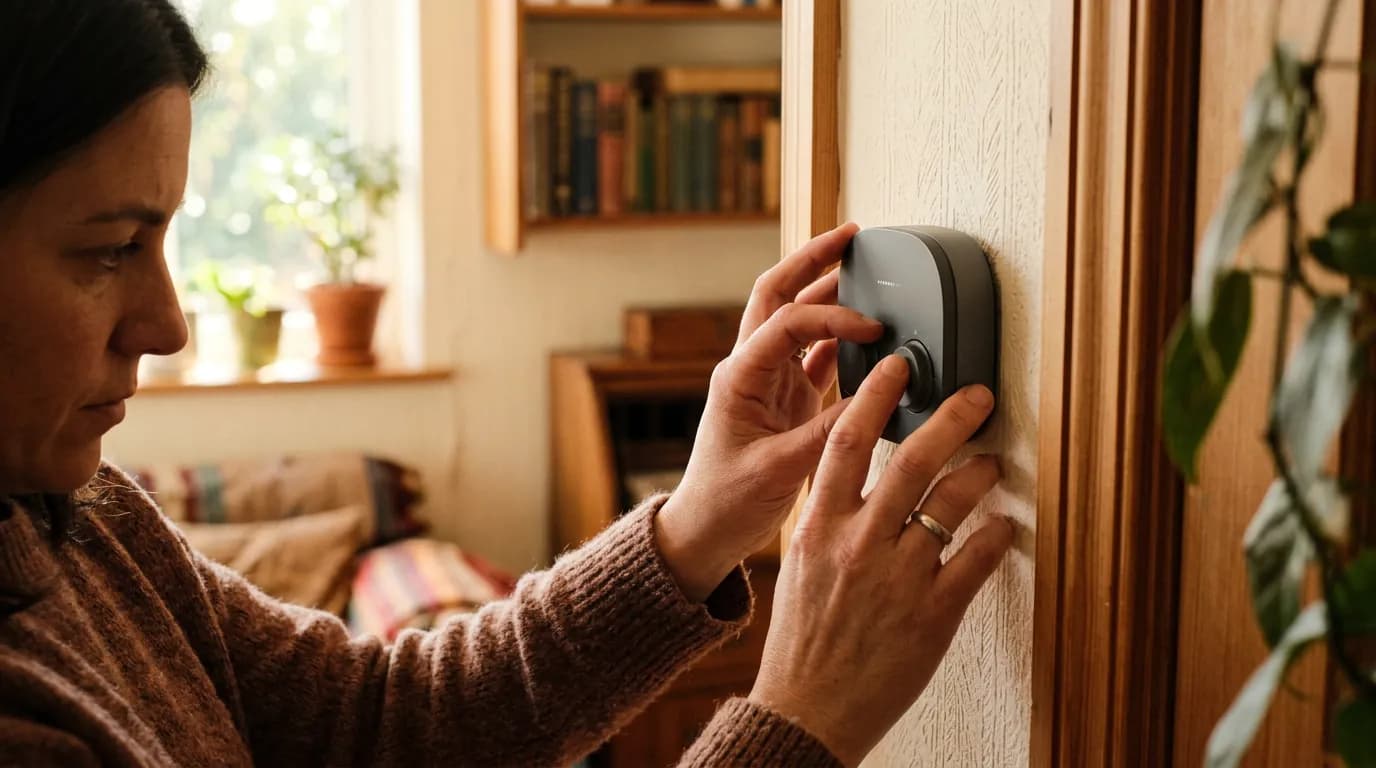
Smart thermostats like the Ecobee or Google Nest go beyond scheduling. They use occupancy sensors and geofencing so the system doesn't run full-blast while the house is empty. The Ecobee in particular supports room sensors that average temperatures across occupied spaces rather than trusting a single hallway reading. That puts actual savings around 10-15% on heating and cooling bills annually, according to Ecobee's own published data, which is labeled here as manufacturer-reported and should be treated as indicative rather than guaranteed.
Or rather: the thermostat alone isn't the win. The win is pairing it with an away routine. When the last person leaves home (confirmed by phone geofence), the thermostat steps back, the smart plugs cut power to devices in standby, and the security system arms. That chain of events, triggered by one condition, is the kind of automation that pays for itself.
Smart plugs with energy monitoring (the TP-Link Kasa EP25 is a common and reliable option) show you exactly which devices are drawing phantom loads. A gaming console in standby can draw 15-20 watts continuously. Multiply that across a few devices and a year, and you're looking at a real number worth cutting.
The Kitchen: Useful Automations vs. Gimmicks
Smart kitchens attract a lot of overcomplicated pitches. Voice-controlled refrigerators, touchscreen ranges, app-connected coffee makers. Most of it is a pain to maintain and adds friction rather than removing it.
What actually works in a kitchen automation context is narrower. A smart under-cabinet light that turns on at a set time in the morning (or triggers from a kitchen motion sensor) is genuinely useful when you're making coffee at 6 AM without wanting to flip on overhead lights. A smart plug on the coffee maker tied to a morning routine costs about $15 and works reliably for years.
Leak detection sensors under the sink and near the dishwasher are underused and underappreciated. Water damage is among the most expensive home repairs an American homeowner faces, and a $20-30 sensor that sends an alert when it detects moisture is one of the highest-return automations in the house. Check sq footage and device count, then place sensors at every appliance with a water line.
This article won't cover smart ovens or connected refrigerators. The reliability gap between those categories and the rest of the ecosystem is still wide, the prices are high, and the repair ecosystem is thin. Stick to smart plugs, sensors, and lighting in the kitchen.
Bedroom Automations That Change How You Sleep
Bedroom automations divide into two categories: sleep onset and wake-up. Both matter, and they work against each other if you don't build them with that tension in mind.
A "good night" routine that dims smart bulbs to warm color temperatures (2700K or lower) in the 30-60 minutes before your target sleep time uses the same principle circadian lighting researchers have documented: cooler, brighter light suppresses melatonin, warmer dimmer light supports its production. Philips Hue, LIFX, and several Zigbee-compatible bulbs support tunable white or full color that can be scheduled or tied to a routine trigger. I'd start with a simple schedule before investing in adaptive lighting apps.
Wake-up routines that gradually increase brightness over 20-30 minutes work better than an alarm for many people. That framing misses something, though: the sunrise simulation is most effective when paired with a smart thermostat nudge that slightly raises bedroom temperature in the final 10 minutes before wake time, which is a mechanism supported by sleep science literature on thermal regulation and sleep stage transitions.
Smart locks on the bedroom aren't common, but they're worth naming for households with young children or security concerns. The real bedroom automation that most guides underweight is blackout and noise. A smart plug on a white noise machine and a motorized shade (Lutron Serena or IKEA Fyrtur are the mainstream options) can be triggered together. But motorized shades are expensive, and this is an area where the cost-benefit math only works if light intrusion is genuinely disrupting sleep.
If you skip bedroom automations entirely, you're leaving the room where your recovery happens unaddressed. Light and temperature mismatches are among the most cited obstacles to sleep quality in National Sleep Foundation survey data.
Living Room and Entryway: The Automation Hub
The living room is where presence-based automation earns its keep. Motion sensors that trigger scene lighting when someone enters, then time out after 15 minutes of no movement, eliminate the "lights left on" problem without requiring anyone to remember anything.
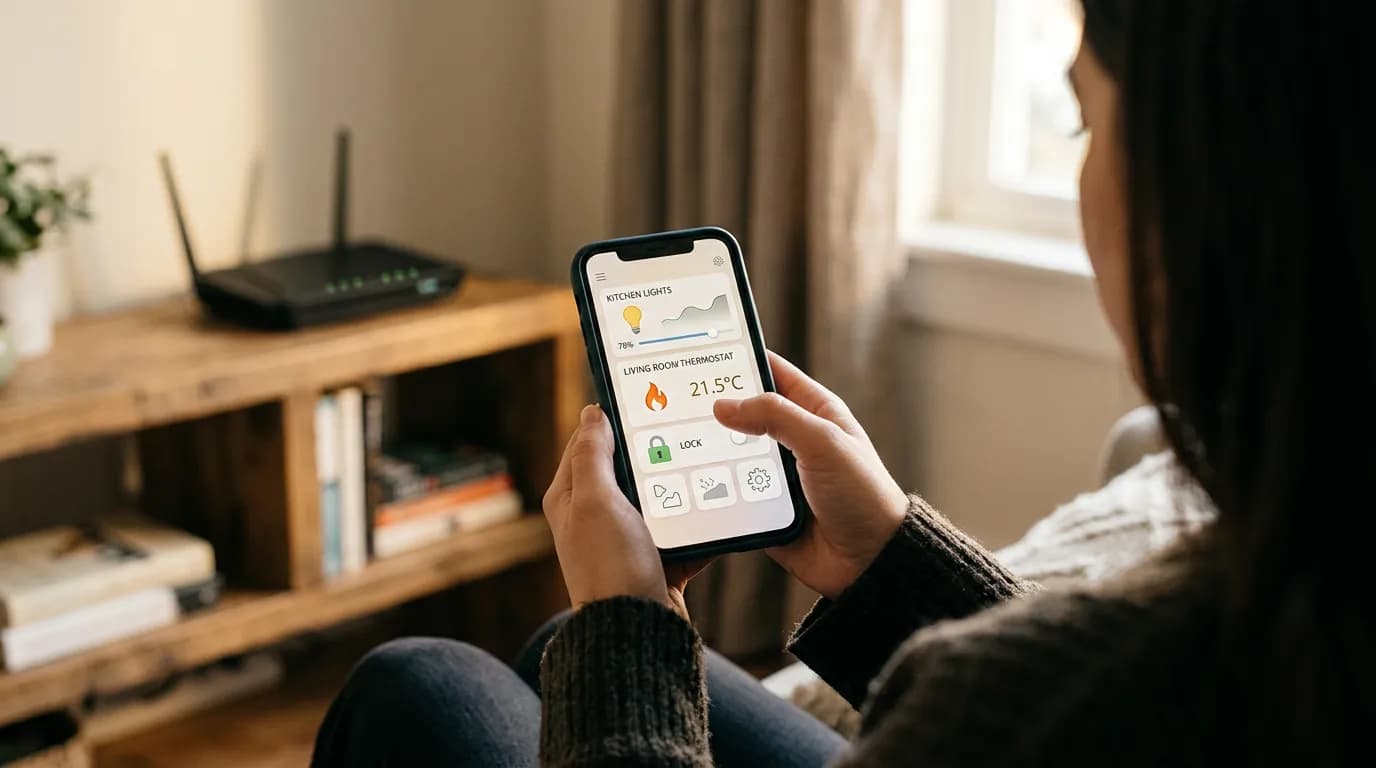
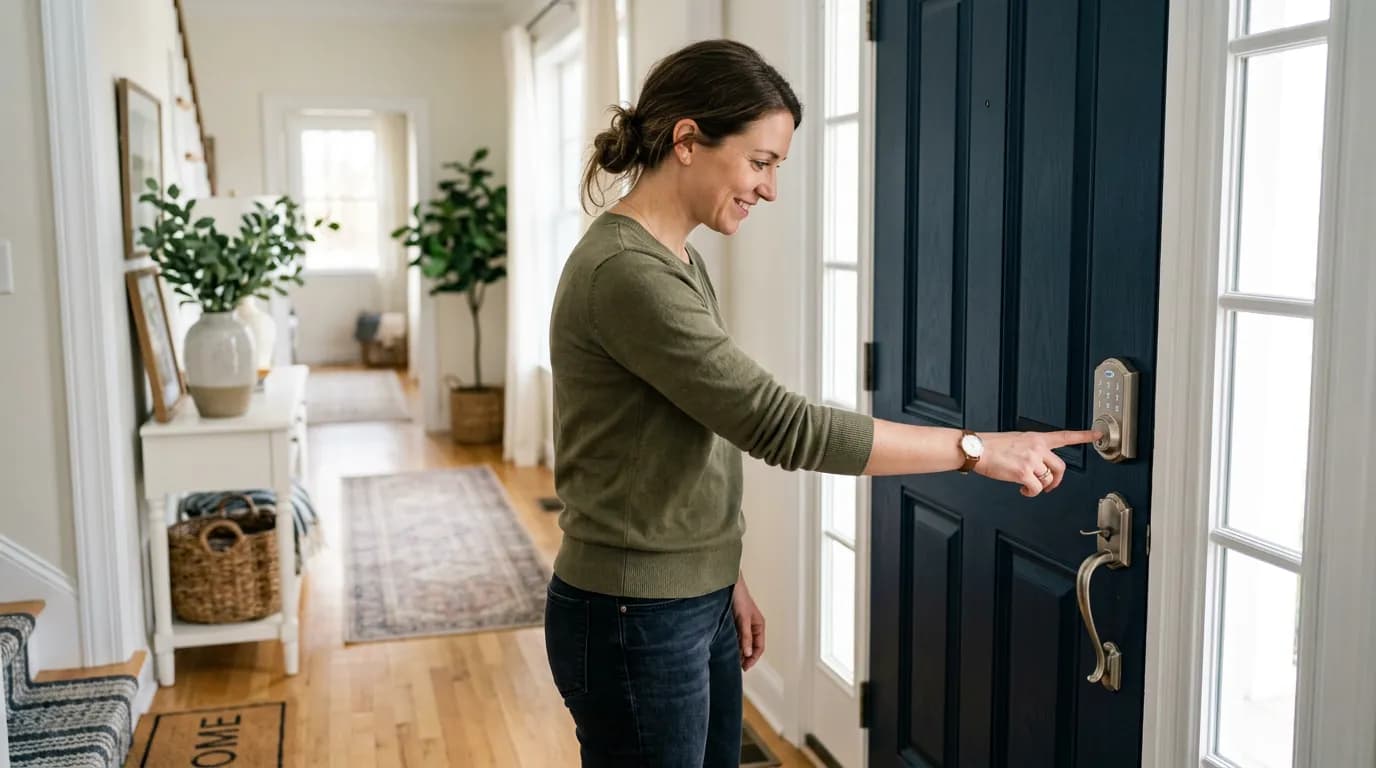
Entryway automations are the front door of your entire system, literally and architecturally. A smart lock (August, Schlage Encode, or Yale Assure) paired with an arrival routine means the porch light comes on, the door unlocks, and the thermostat steps up to comfort temperature as you pull into the driveway. The geofence trigger on most platforms (Apple Home, Google Home, Amazon Alexa, or a dedicated hub like Home Assistant) uses your phone's location to fire the routine before you reach the door.
The table below shows how the four major US smart home platforms compare on the dimensions that matter most for living room and entryway setups.
| Platform | Local Processing | Thread/Matter Support | Offline Fallback | Monthly Cost |
|---|---|---|---|---|
| Apple Home | Yes (HomePod hub) | Yes | Strong | $0 |
| Google Home | Partial | Yes (via Matter) | Limited | $0 |
| Amazon Alexa | Partial | Yes (via Matter) | Limited | $0 (Plus optional) |
| Home Assistant | Full | Yes | Full | $0 (hardware cost) |
Local processing matters more than most buyers realize. If your automations depend on a cloud server, a service outage or discontinued product line turns your smart home back into a dumb one. Home Assistant runs locally on a Raspberry Pi or a dedicated device like the Home Assistant Green, and it's the platform serious DIYers default to for exactly this reason.
One thing worth naming: presence detection using phone geofencing has a failure rate. Phones lose GPS lock, battery saver modes delay location updates, and family members with older phones or different platforms create gaps. For households with two or more people, combine geofencing with a contact sensor on the front door or a motion sensor in the entryway as a redundant trigger.
Home Office: Automations for Focus and Energy
The home office is where smart plugs and lighting automations deliver the clearest ROI for remote workers. A "focus mode" scene that raises desk light color temperature to 4000-5000K (cooler, alertness-supporting) and activates a do-not-disturb indicator light on the door is something you can build for under $50 with a Zigbee bulb and a smart plug.
Monitor and computer standby automations cut real energy waste. A smart power strip with individually controlled outlets (the Kasa EP40 or similar) lets you automate the full desk shutdown: monitor, speakers, external drive, and charging hub all cut on a schedule or a routine trigger. Set it to fire 10 minutes after your calendar typically ends, and you're not leaving 60-80 watts of desktop equipment running through dinner.
Buyers who work from home but don't automate their office power draw are paying a quiet ongoing tax. The DOE estimates home office equipment accounts for a meaningful share of residential electricity use, and standby power is a documented contributor across desktop monitors, external drives, and network-attached storage devices.
When Smart Home Automations Fail (and Who Should Go Simpler)
Not every household benefits from the same level of automation. The recommendation to automate room by room weakens under a specific set of conditions that are worth naming directly.
Renters in older buildings with aluminum wiring or limited neutral wire access at switches should not install hardwired smart switches. Smart plugs and smart bulbs are the right scope for rental situations. Installing hardwired devices without landlord permission creates liability and lease risk, and some older wiring configurations are incompatible with standard smart switch requirements without an electrician's involvement.
Households with adults who are not comfortable with app-based controls, or who experience technology-related frustration, face a real adoption problem. An automation that gets disabled because it fired at the wrong time, and that nobody knows how to re-enable, is worse than no automation. For these households, the right answer is a simpler system: smart plugs on lamps, a programmable thermostat (not necessarily app-connected), and a single voice assistant for manual control. Not every room needs to be automated.
And Wi-Fi-only smart home setups in homes with poor router coverage are a reliability trap. Z-Wave and Zigbee mesh devices extend their own network between nodes. Wi-Fi devices depend entirely on signal strength and router capacity. A 2,400 sq ft house with a single router and 20+ Wi-Fi smart devices will experience dropped automations. Check your mesh coverage before committing to a Wi-Fi-only device ecosystem.
Building the Stack That Lasts
Start with three things before you buy anything else: hub or platform choice, protocol decision (Thread and Matter are the current forward-compatible standards for new builds), and a written list of the five automations you actually want. Buy backward from that list, not forward from what's on sale.
The most durable smart home setups in American homes share a pattern: they use a mix of protocols (Z-Wave or Zigbee for reliability, Wi-Fi for devices that need cloud features), they're built on a platform with local processing fallback, and they automate the 20% of actions that happen every single day. The 80% of clever-but-occasional automations are where people burn out and abandon the system.
If you're comparing this approach to simply buying a pre-packaged smart home kit, the kits win on setup speed and lose on longevity. Most kit ecosystems are tied to a single manufacturer, and manufacturer shutdowns or app deprecations have orphaned devices across the industry. The Insteon shutdown in 2022 left thousands of users with inoperative hubs overnight. That's the counterfactual worth holding: build your system on a proprietary cloud stack, and the day the company pivots or folds, your automations stop. Build on open protocols and local processing, and you own what you built.
If you're starting fresh: pick a platform, buy one device per room, live with the automations for 30 days, then expand. That pace of iteration is how you end up with a system that fits your actual life rather than the idealized version of it you had the day you bought your first smart speaker.