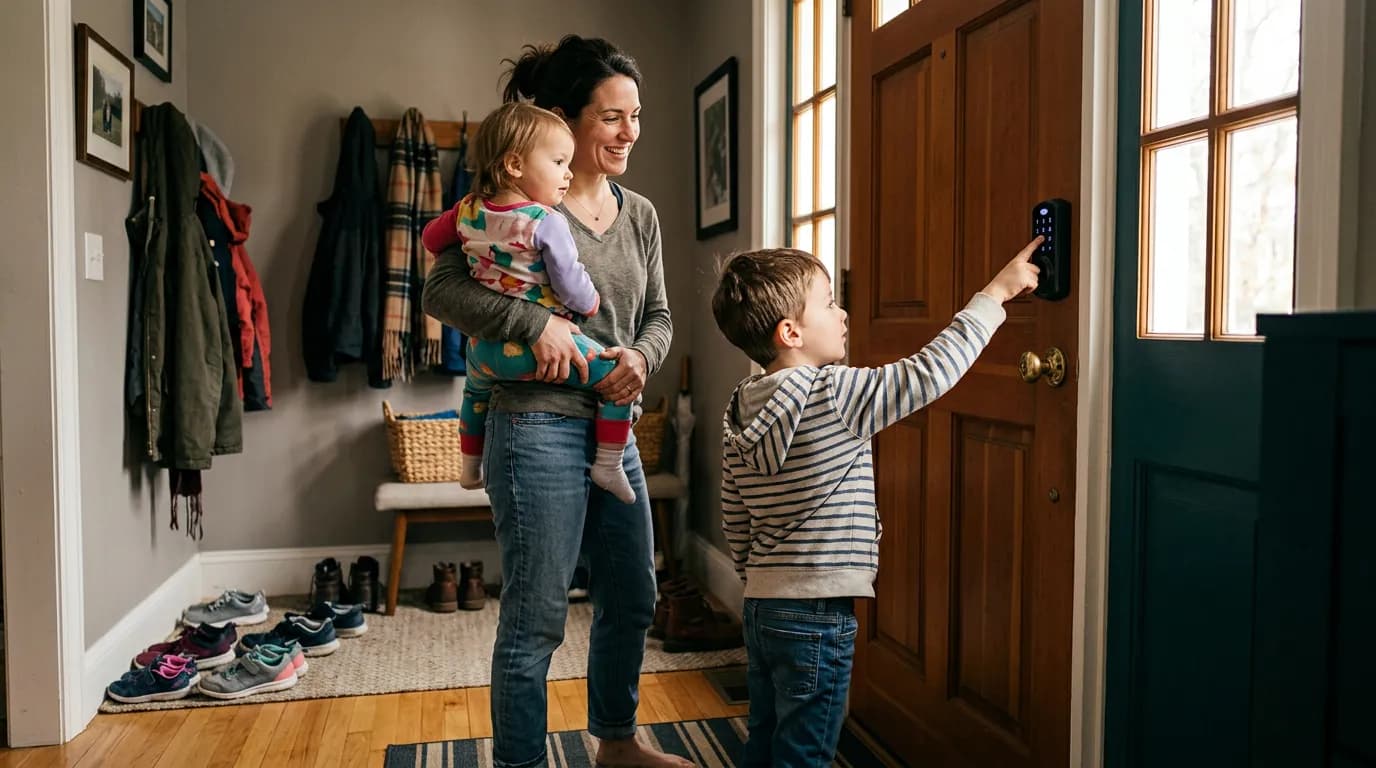
Locksmiths will tell you to test your door's backset and handing before they discuss anything else, and there's a reason for that. A $250 smart lock shipped to your door is useless if it doesn't fit the prep hole you have, or if your family's phones are too inconsistent to be the primary credential. Smart locks for families sound straightforward, but the decision splits hard based on a few factors most buyers don't check until they're frustrated.
The core tension here is real: smart locks promise convenience, but families with mixed phone habits, rental restrictions, or school-age kids often need features that contradict each other. A lock that's effortless for a teenager with a reliable phone is genuinely risky for the household that forgets to charge anything.
This article focuses on residential retrofit locks for existing single-family homes and townhomes. It doesn't cover commercial-grade access control, apartment intercom integration, or full smart home security systems. If you're shopping for a business entrance or a multi-unit property, the tradeoffs run differently.
What Family Life Actually Demands From a Lock
Standard lock advice says to pick the highest-rated deadbolt and add smart features on top. For a household with two adults and no kids, that's fine. For a family with three kids ranging from eight to sixteen, it misses the failure modes that matter.
Consider what a busy school morning actually looks like. A child needs to leave before a parent, lock the door behind them, and get back in after school without anyone home. That's three credential events in a day, and each one can fail. Bluetooth-only locks fail when a phone dies or a kid's account gets disconnected. PIN-only locks fail when a PIN gets shared with a friend and never changed. Wi-Fi locks fail during a power outage or router reboot. A family lock needs redundancy, not just one primary method.
The better question is what your household's weak link actually is. A family where the adults always have charged phones and the kids are old enough to manage an app can lean heavily on Bluetooth or Wi-Fi with a PIN backup. A household with younger kids or unpredictable phone charging habits needs a keypad as the primary credential, with app control as a convenience layer on top, not the other way around.
Three factors drive this decision more than brand or price: the number of household members who need independent access, the ages of those members, and whether anyone in the house has a pattern of dead batteries or lost phones. Get those three right before you look at a single product spec.
Bluetooth vs. Wi-Fi vs. Z-Wave: Which Radio Actually Fits Your Home
The radio protocol underneath a smart lock changes who controls it, how fast it responds, and what happens when your internet goes down. Buyers skip this and then wonder why their lock doesn't work the way the box promised.
Bluetooth locks (like many August and Schlage Encode Plus models) connect directly to a phone within roughly 30 feet. They're fast, they don't need your router, and they don't expose your lock to cloud vulnerabilities when the vendor's server goes down. The tradeoff: remote access requires either a hub or a bridge device plugged in nearby, and household members need the app installed and Bluetooth active.
Wi-Fi locks connect directly to your router and allow remote access without a separate hub. They're convenient for parents who want to check lock status or grant access from work. The real cost is battery drain, which runs noticeably faster on Wi-Fi models. Schlage's Encode line, for example, draws enough power that most households replace batteries roughly twice a year rather than the once-a-year expectation some buyers carry in. And when your router reboots or your ISP has an outage, remote commands queue or fail entirely.
Z-Wave locks need a compatible smart home hub (SmartThings, Hubitat, and similar platforms) to function as smart locks at all. That adds cost and a device to manage, but it also gives you local processing, meaning the lock still responds to automations even when the internet is down. For families already running a Z-Wave hub, this is often the most reliable path. For everyone else, it's an unnecessary layer of complexity.
Thread-enabled locks, which appear in newer Apple Home ecosystems, run on a mesh network that doesn't depend on a central router. That framing misses something. Thread is genuinely more resilient than Wi-Fi for this application, but it requires at least one Thread border router (built into newer HomePod minis and Apple TV 4K units), and the product selection is still thin compared to Bluetooth and Wi-Fi options.
The Keypad Question: Why PIN Codes Are More Complicated Than They Look
A keypad lock looks like the safest choice for kids because it removes the phone dependency entirely. It often is the right choice. But keypad security for a family has a specific failure pattern that's worth naming before you buy.
Shared PIN codes get shared. A child tells a friend the code. The code doesn't get changed for eight months because changing it requires someone to remember to do it. This is not a hypothetical; it's the most common security complaint from families who use keypad locks. The fix is a lock that supports multiple unique PIN codes, one per person, so you can delete an individual code without resetting the whole system. Most mid-range and above deadbolts support this, including the Schlage Encode and the Yale Assure series. Budget models often do not.
Scheduled access codes matter for families with recurring visitors, a regular babysitter, a housekeeper, or a grandparent who comes on certain days. A code that only works Monday through Friday from 2 PM to 4 PM is meaningfully different from a permanent code. This feature appears on Schlage Encode, Yale Assure SL, and Kwikset Halo, among others. It's worth confirming before purchase because marketing pages blur the distinction between "multiple codes" and "scheduled codes."
Auto-lock is the feature most families underuse. Setting a lock to automatically deadbolt 60 or 90 seconds after unlocking removes the failure mode where a kid leaves the door unlocked all afternoon. Most smart deadbolts support this. Turn it on.
Security Concerns That Deserve Straight Answers
Smart lock skepticism is reasonable. Buyers often worry about hacking, and manufacturers often dismiss that concern too quickly.
The realistic threat for a residential smart lock is not a remote software exploit. It's a physical attack on a weak door frame. The National Institute of Standards and Technology (NIST) has published guidance on physical security for residential doors, and it consistently points to strike plate depth and door frame reinforcement as the primary failure points, not the lock mechanism itself. A Grade 1 ANSI/BHMA-rated deadbolt with a reinforced strike plate and 3-inch screws is more resistant to a kick-in attack than any smart lock's app security is relevant to. Start there.
The software side deserves honest treatment too. Locks that store credentials locally and use encrypted Bluetooth (Bluetooth Low Energy with AES-128 encryption, which most current models use) have a narrower attack surface than cloud-dependent Wi-Fi locks where a vendor's server breach could theoretically expose access logs or credentials. This isn't theoretical: several smart home vendors have experienced data breaches that exposed user account information, though no mass residential lock compromise from a server breach has been publicly documented at scale. The practical implication is that Bluetooth-primary locks with a PIN backup have a smaller attack surface than Wi-Fi-always-on models. That's a reasonable preference to have, not a paranoid one.
The ANSI/BHMA Grade 1 rating is the standard to use as a floor for residential deadbolts. Grade 2 is acceptable for interior doors. Grade 3 should not be your front door.
If you do nothing else, address the door frame first, use unique PIN codes per person, and enable auto-lock. Those three steps close more realistic vulnerabilities than any individual brand choice does.
When a Smart Lock Is the Wrong Choice
A smart lock is a poor fit in a few specific situations that matter more than most buyers acknowledge.
Renters without landlord approval face legal and lease exposure installing any lock that can't be removed cleanly. Most smart lock retrofits replace only the interior thumb turn and leave the exterior cylinder intact (August and Level locks work this way), which solves this problem almost entirely. Full deadbolt replacements require landlord sign-off and often a security deposit adjustment.
Households where the primary access users are children under eight or adults with low tech tolerance should treat the keypad as the only reliable daily credential, not as a backup. App-dependent features that require a phone in hand are not reliable access methods for young kids, regardless of how simple the interface looks in a demo.
Homes with steel doors and steel frames may require a different installation approach or specific mounting hardware. Smart locks assume a standard wood-frame door with a 1-3/8 inch to 1-3/4 inch door thickness and a 2-3/8 inch or 2-3/4 inch backset. Steel doors with non-standard prep holes, or doors with glass panels immediately adjacent to the deadbolt, are worth measuring twice before ordering anything.
And for families who travel frequently and rely on a house sitter or pet sitter for extended periods: a Wi-Fi lock with remote management is genuinely useful here, but only if you have a reliable backup power plan. A lock that can't be opened because the batteries died while you were in Europe is a problem that requires either a neighbor with a key or a locksmith. Keep a physical key with someone you trust regardless of what technology you install.
Making the Call
If your household has school-age kids who need independent access: get a lock with unique per-person PIN codes and scheduled access windows. The Schlage Encode Plus and Yale Assure SL both support this. Budget for the Schlage Encode Plus if you're in an Apple HomeKit home; budget for the Yale Assure SL if you're running Google Home or Amazon Alexa. Either one runs $180 to $230 at major retailers, which is the realistic price floor for a lock that handles family complexity without cutting corners on the keypad or the app ecosystem.
If your household's primary concern is simplicity for adults who don't want to manage an app: a Bluetooth lock with a keypad backup, like the August Smart Lock Pro with its keypad accessory, handles this well and leaves the exterior of your door unchanged. That matters for renters and for homeowners who don't want to commit to a full deadbolt swap.
I'd start with the keypad as the reliability baseline and treat remote app access as the convenience layer. Families that build their access plan around the app and treat the keypad as the fallback consistently report more frustration than families who do it the other way around. The keypad doesn't need Wi-Fi. It doesn't need a charged battery in someone's pocket. It just needs to know the code.
Check door thickness, backset measurement, and whether your door is handed (the direction it swings) before ordering. Measure twice. The lock that fits your door and matches how your family actually moves through it is the right lock, regardless of which brand's marketing you found most persuasive.