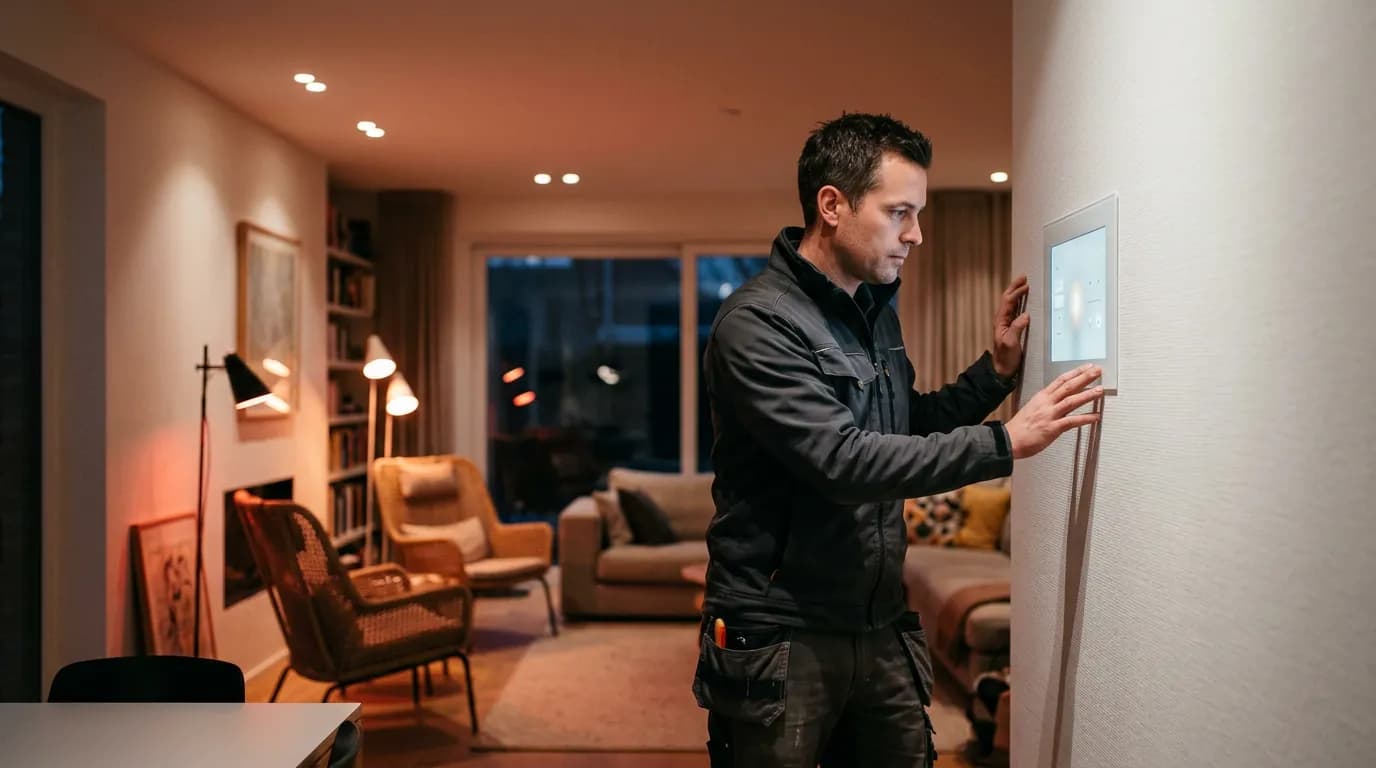
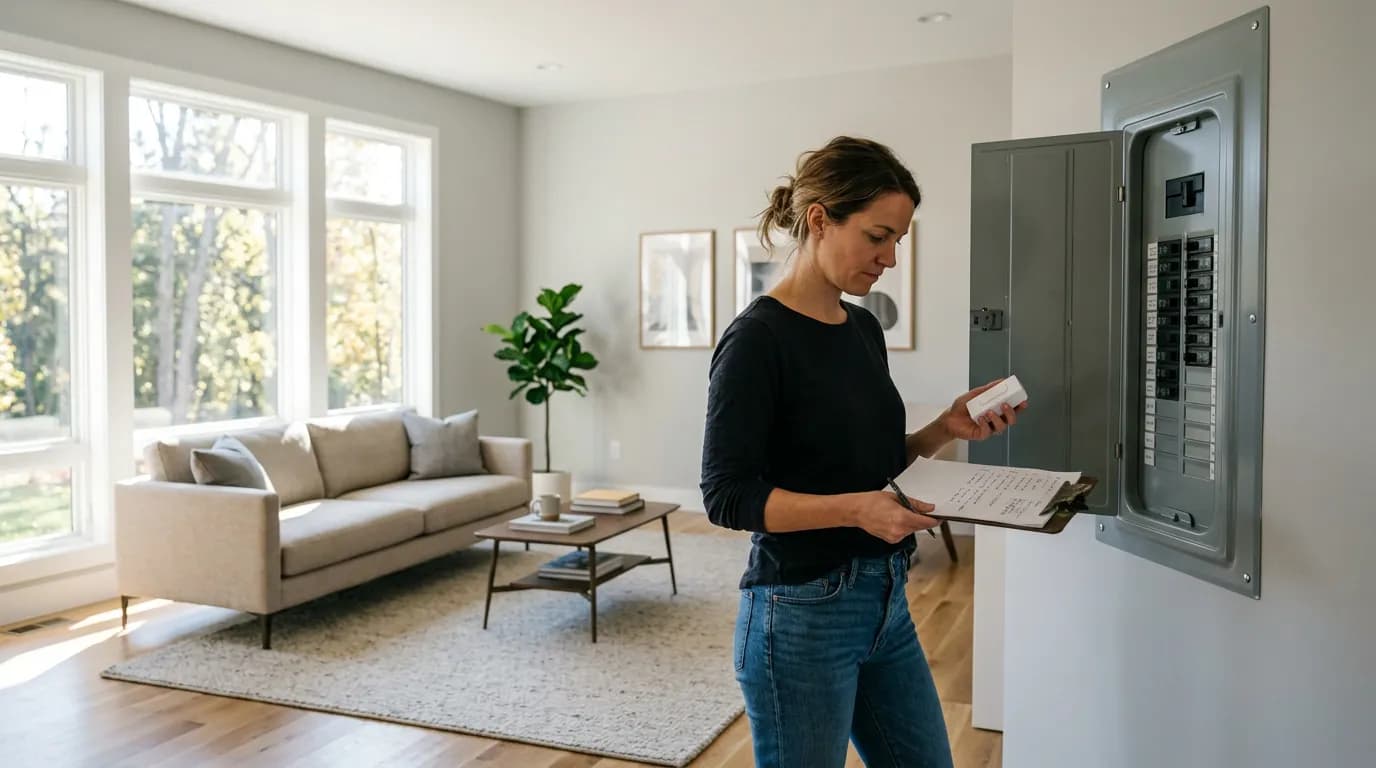
An electrician will ask about your wiring before recommending anything else, and that's worth holding onto when you start planning a smart home. The protocol layer matters more than any device brand, and most people figure this out only after buying a second hub.
Brand-agnostic smart home setup sounds like a simple goal: buy devices from whoever makes the best version, run them together without friction. The reality is that "works together" means different things depending on whether you're talking about the same local network, the same protocol stack, or genuine interoperability at the control layer. Those distinctions determine whether your setup is actually flexible or just theoretically flexible.
The tension is real. The smart home industry has been promising a universal standard for years, and something close to one finally exists. But protocol unification doesn't automatically mean you can walk into any store, grab any device, and have it work the way you'd expect. What changes when you understand the protocol layer is that you stop picking devices and start picking a foundation.
Why Protocol Choice Is the Only Decision That Compounds
Every other smart home decision is reversible. You can swap a light switch, replace a thermostat, or upgrade a camera. You cannot easily swap your protocol infrastructure once you've built around it, because the protocol determines which devices can join your network at all, whether they work locally or require a cloud connection, and how much of your setup survives if a manufacturer shuts down.
Three protocols dominate residential smart home installations in the US right now: Zigbee, Z-Wave, and Matter. (Thread is the transport layer that Matter can run over wirelessly, not a separate protocol in the same sense.) Wi-Fi-based devices are technically protocol-agnostic but depend on cloud relays in most implementations, which is a different kind of fragility.
Zigbee and Z-Wave are both mesh protocols that operate on frequencies separate from your Wi-Fi, which means they don't compete for the same radio spectrum your laptop and phones use. Zigbee runs on 2.4 GHz (shared with Wi-Fi but on different channels), while Z-Wave runs on sub-GHz bands that vary by region. The practical implication: Z-Wave has strictly enforced device certification, which makes cross-brand compatibility more reliable. Zigbee has a larger device ecosystem and lower per-unit costs, but compatibility between Zigbee devices from different manufacturers is real but not guaranteed without testing.
Matter is the current answer to that fragility. Developed by the Connectivity Standards Alliance with backing from Apple, Google, Amazon, and Samsung, Matter defines a common application layer so a certified light bulb works with any certified hub regardless of brand. As of 2024, the device library is still growing, and some device categories (locks, certain sensor types) have had slower adoption than switches and bulbs. But if you're starting a new installation today, Matter over Thread is the most defensible foundation for a brand-agnostic setup.
Or rather: it's the most defensible foundation for the control and interoperability layer. Matter doesn't solve subscription risk, local processing requirements, or the latency differences that matter for time-sensitive automations like security. You still need to think about those separately.
Hubs, Controllers, and What "Local" Actually Means
The hub comparison most people run is: "Which one supports the most devices?" The better question is which hub processes automations locally when your internet is down, and which ones stop working entirely.
Home Assistant, running on a dedicated device like a Raspberry Pi 4 or a purpose-built Home Assistant Green box (roughly $99), is the only major platform that defaults to full local processing with no subscription required. It supports Zigbee, Z-Wave (with a USB stick), Matter, Wi-Fi devices, and several proprietary protocols through community integrations. The tradeoff is a steeper setup curve than commercial options. If you're not comfortable with a YAML config file, budget an evening for the learning curve rather than assuming plug-and-play.
Samsung SmartThings, Amazon Alexa routines, and Google Home all offer some local processing for specific device types, but their automation engines run primarily in the cloud. That's fine until your ISP has an outage or the manufacturer changes the platform. SmartThings went through a significant architecture migration in 2022-2023 that broke many existing automations, which is a concrete data point on platform continuity risk.
Apple Home with a HomePod mini or Apple TV as a hub runs automations locally and uses Thread natively, which gives it good Matter performance. But its device support is narrower than Home Assistant, and building a complex multi-vendor setup inside Apple Home requires more workarounds than the marketing suggests.
The comparison that changes most people's approach looks like this:
| Hub Platform | Local Processing | Matter Support | Subscription Required | Setup Complexity |
|---|---|---|---|---|
| Home Assistant | Full, default | Yes (native) | No (optional cloud) | High |
| Apple Home | Yes (with hub) | Yes (Thread native) | No | Medium |
| Amazon Alexa | Partial | Yes | No (premium tier exists) | Low |
| Samsung SmartThings | Partial | Yes | No | Medium |
| Google Home | Partial | Yes | No (Nest aware separate) | Low |
Local processing is the criterion that separates infrastructure from convenience. An Alexa routine that turns on your porch light is convenient. An automation that unlocks your back door when a sensor triggers needs to work when your router can't reach AWS.
Building the Device Stack Without Subscription Lock-In
Subscription risk is the downside case that cheap smart home guides don't address seriously enough. Buyers skip it until they're burned by a platform shutdown or a pricing change that makes a previously free feature cost $10 per month.
Three conditions push a setup toward subscription dependency: using cameras that require cloud storage for footage access, relying on voice assistant integrations where the intelligence layer is cloud-only, and using devices whose local API was removed in a firmware update. All three have happened to real products from real companies in the US market within the last four years. Wink required subscriptions in 2020 with two weeks' notice. Insteon shut down entirely in 2022 with no warning. SmartThings eliminated Groovy-based automations in a platform migration that affected thousands of users.
The protocol-level answer: prioritize devices with local API access or Matter certification. For cameras specifically, Frigate (an open-source NVR that runs on Home Assistant or standalone hardware) allows local recording and object detection with no cloud dependency. The hardware cost for a Frigate setup with a used mini PC and a modest GPU typically runs under $200, compared to $8-15 per month per camera for cloud storage plans from Ring or Nest. That puts it around $150-350 in break-even relative to subscription costs within two years for a 2-4 camera setup, though your exact number depends on camera count and subscription tier.
For lighting, Zigbee-based bulbs and switches from manufacturers like Sengled, Third Reality, and IKEA's TRADFRI line work without a proprietary hub and without subscriptions when paired directly to a Zigbee coordinator on Home Assistant. IKEA's TRADFRI bulbs in particular have open Zigbee implementations that have been stable across hardware generations, which is an underrated reliability argument compared to Philips Hue's proprietary bridge dependency (though Hue has added Matter support, which changes that calculus for new buyers).
I'd start with the switch layer rather than the bulb layer if you're renovating or have easy panel access, because smart switches work with any bulb you put in the fixture. You don't lose your investment if you change bulb brands, and you don't need to explain to house guests why the wall switch no longer does what it looks like it does.
What Breaks When You Ignore the Foundation
If you build a smart home on a cloud-dependent hub with no local fallback and no Matter devices, here's what you're actually building: a system that stops responding whenever your internet has a hiccup, that will need to be partially or fully rebuilt when your platform provider changes pricing, and that cannot be transferred to a new owner without transferring accounts. Those aren't theoretical risks. They're the documented history of the consumer smart home market since 2015.
The average US household internet outage is short, but the pattern matters more than the duration. Automations that control HVAC, entry locks, or alarm systems need to survive network interruptions without user intervention. If your hub can't do that, you've built a convenience layer, not an infrastructure layer. That framing misses something important: the difference between a smart home that works for you and one you're constantly managing is almost always the local processing question, not the number of devices.
This article is not recommending that every reader run Home Assistant. Complex local setups require ongoing maintenance, and for a single-zone apartment with a handful of Wi-Fi smart plugs, the overhead isn't justified. The relevant question is whether your automations need to be reliable or just convenient. Reliable automations need local processing. Convenient automations are fine in the cloud.
And if you do nothing here, the practical consequence isn't that your lights don't work. It's that you rebuild the system once when your first platform changes, maybe twice, and by the third time you either go fully local or go back to dumb switches. The readers who end up at Home Assistant almost all got there via a platform they trusted and then lost.
The Setup Sequence That Minimizes Regret
Start with the hub decision, not the device decision. Pick your hub first, confirm it supports local processing for the automations you actually care about, and then buy devices certified to work with that hub's protocol stack. Buying devices first and then finding a hub that supports them is how you end up with three apps and no automations.
The sequence that works: choose hub platform and protocol (Matter + Thread if starting fresh, Zigbee if budget-constrained or buying used equipment), wire any smart switches before adding any smart bulbs in the same circuit, add one device category at a time and confirm automations work before expanding, and test local fallback explicitly by unplugging your router for five minutes.
Check device certification, local API availability, and whether the manufacturer has a track record of firmware updates before purchasing. Those three checks take ten minutes per device and prevent most compatibility regret. Certification matters more for Z-Wave than Zigbee because Z-Wave's strict certification process makes cross-brand compatibility more predictable.
A note on voice assistants: they're a good interface layer but a poor control layer. Build your automations in the hub, expose them to Alexa or Google Home as scenes or routines if you want voice control, and don't let the voice assistant be the thing that runs the logic. That separation means your automations keep working even if you switch voice assistants or drop them entirely.
Build the foundation right the first time. The devices are the easy part.