A central air conditioner running through a Texas or Georgia summer can account for more than half of a household's total electricity bill, and that fraction is often worse than homeowners realize until the August statement arrives. Automating summer cooling costs sounds like a straightforward fix, but the savings depend almost entirely on which automation you choose, how your home is built, and whether your utility charges flat or time-of-use rates.
The honest tension here is that the smart home industry sells automation as a universal money-saver. It isn't. A smart thermostat in a well-insulated 1,400-square-foot ranch house can cut cooling costs meaningfully. The same device in a 1970s split-level with single-pane windows and duct leakage will mostly automate waste more efficiently. Before you spend anything on hardware, that distinction matters.
This article focuses on households that already have central air or a multi-zone mini-split setup. If you're running window units in every room, the automation math is different, and most of what follows doesn't apply directly.
Why Automation Saves Money (When It Does)
The mechanism is simpler than the marketing suggests. Air conditioners are most expensive to run when outdoor temperatures are highest and when your utility's grid demand is highest, which often happen at the same time. Automation saves money by reducing runtime during those windows and shifting some of it to cheaper, cooler periods.
The Department of Energy has long noted that setting your thermostat back 7 to 10 degrees Fahrenheit for 8 hours a day can reduce cooling costs by around 10 percent. That's the baseline claim, and it comes with a real dependency: your home must be able to shed heat during setback periods, which requires decent insulation and air sealing. Or rather: the 10 percent figure assumes a reasonably tight building envelope. A house that leaks air constantly is essentially thermostatting outdoors, and setback barely registers.
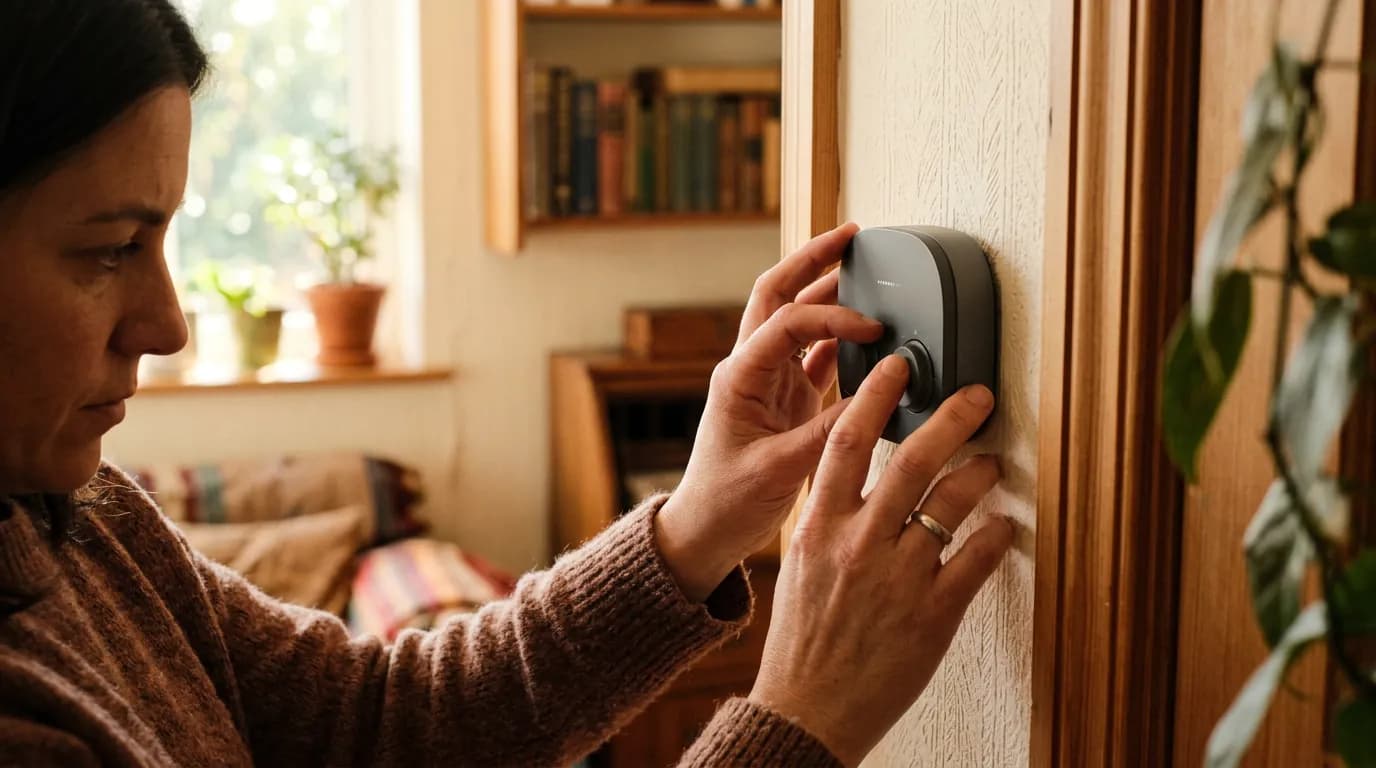
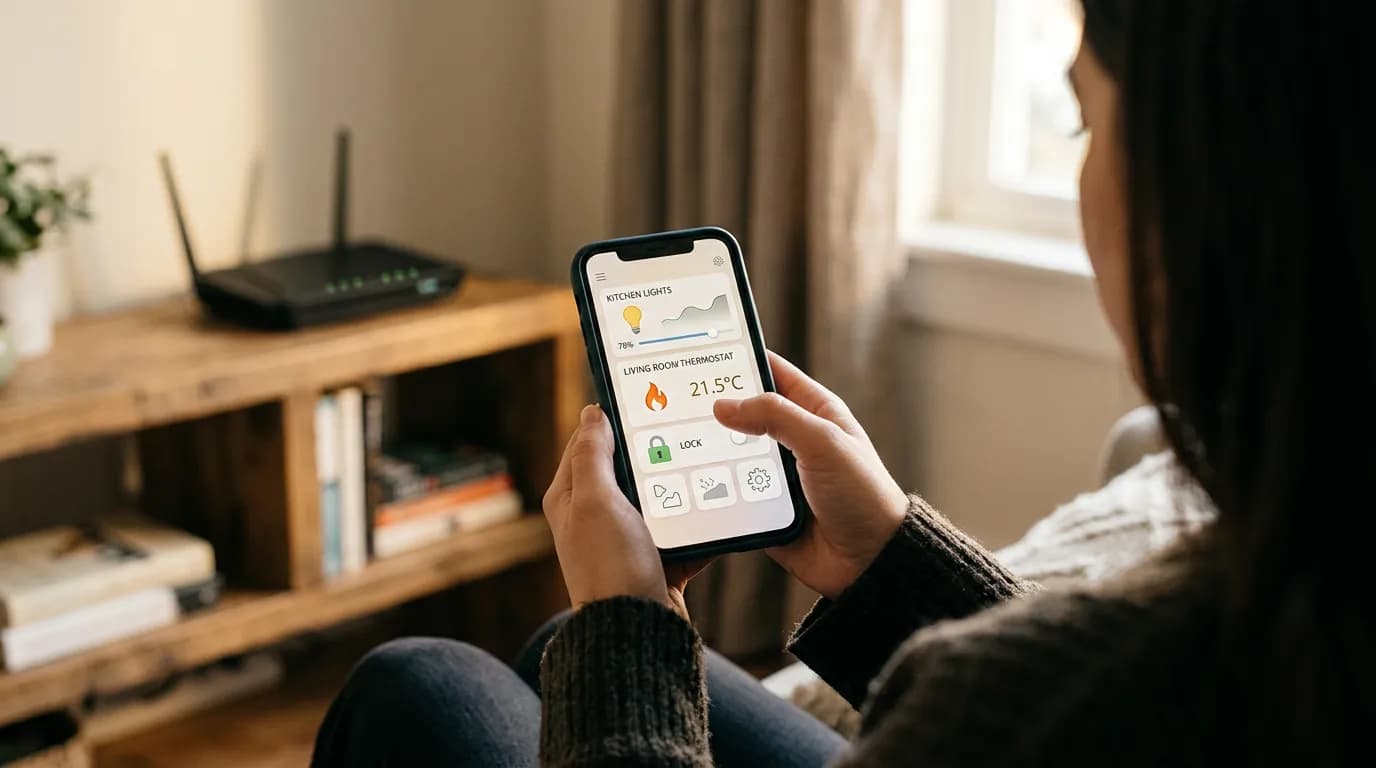
Smart thermostats go further than programmable models in one specific way. Devices like the Ecobee SmartThermostat or the Google Nest Learning Thermostat can read occupancy sensors, learn your schedule, and respond to utility demand-response programs that pay you to let the grid reduce your AC draw during peak hours. That last piece is where the real automation value sits for many homeowners, and it's what most comparisons between "smart" and "programmable" miss.
But don't over-credit the hardware. The thermostat controls the setpoint. It can't fix short-cycling caused by an oversized unit, leaky ducts, or a refrigerant problem. If your system runs correctly and your building envelope is reasonably tight, automation compounds good fundamentals. It doesn't replace them.
Smart Thermostat vs. Programmable: The Actual Comparison
The table below compares the two main options most homeowners are choosing between. Both beat doing nothing if used consistently, which is the part no one wants to hear.
| Feature | Programmable Thermostat | Smart Thermostat |
|---|---|---|
| Upfront cost | $25–$60 | $130–$280 |
| Schedule automation | Fixed time-based | Occupancy + learning |
| Utility demand-response | No | Yes (where available) |
| Remote adjustment | No | Yes (app) |
| Payback period (typical) | Under 1 year | 1–3 years |
| ENERGY STAR certification | Available | Available |
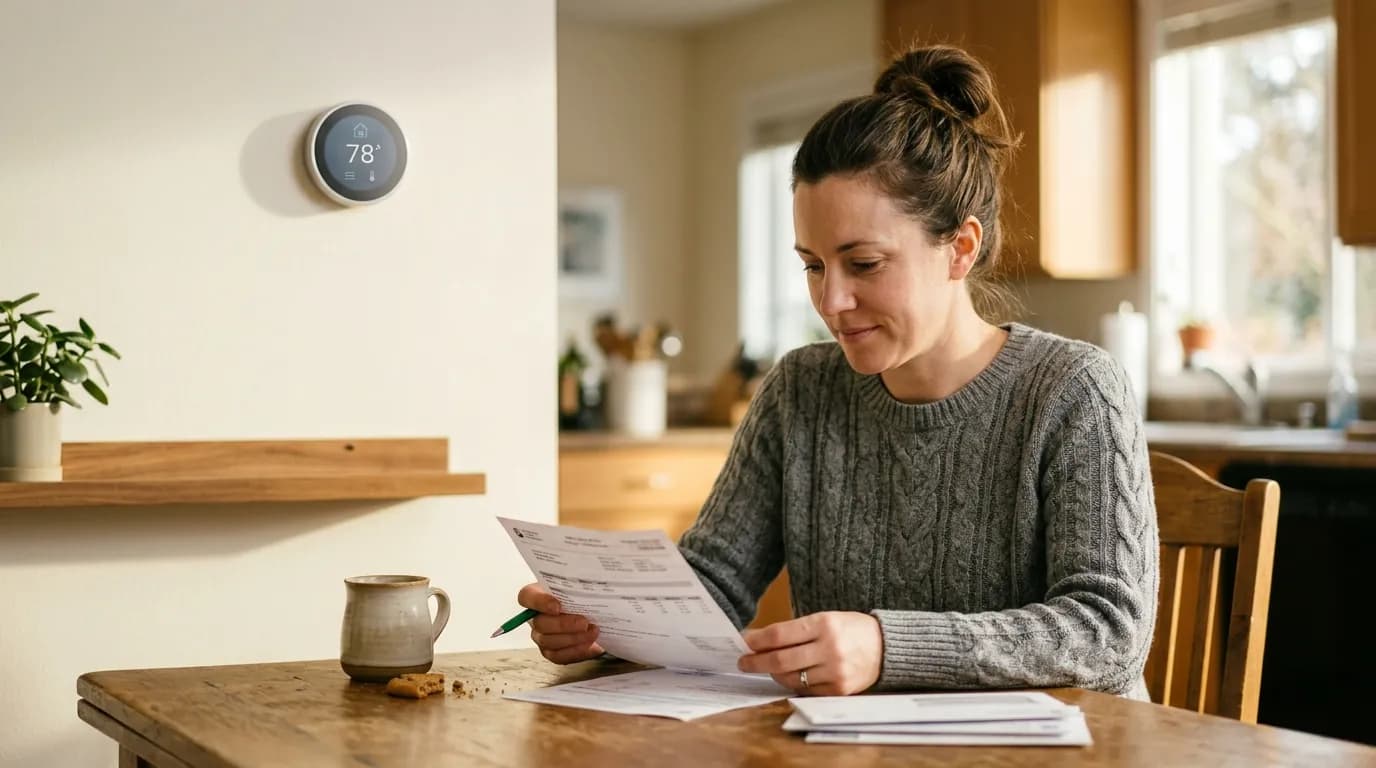
The payback gap is real. A programmable thermostat at $40 can recoup its cost in a single cooling season if you actually program it. A $250 smart thermostat needs to deliver consistent savings over two or three summers to justify the premium, and that depends heavily on whether your utility offers demand-response incentives. Check your utility's website before buying: many investor-owned utilities across the Southeast, Texas, and California offer rebates of $50 to $100 on qualifying smart thermostats, which changes the math considerably.
If you're weighing a programmable unit against a smart unit and your utility doesn't offer demand-response or rebates, the programmable thermostat wins on pure economics. The framing that smart thermostats always pay for themselves faster is a pain, and it's largely driven by vendor-funded studies that don't account for homes where people rarely leave or where schedules vary so unpredictably that learning algorithms plateau.
Where Automation Fails (and Who Should Know)
The most common mistake buyers make is purchasing automation before confirming the system it's controlling is worth automating. Run this check before spending anything: if your HVAC technician has flagged refrigerant issues, duct leakage above 15 percent of total airflow, or a unit that's more than 15 years old and undersized, automation will not produce reliable savings. Fix the underlying problem first.
That framing misses something. Even a perfectly functioning system can produce poor automation results if your utility uses flat-rate pricing. Demand-response and time-of-use optimization, the features that separate smart thermostats from programmable ones in real-world performance, only deliver value when your utility prices electricity variably. On a flat rate with no peak pricing, a $35 programmable thermostat with a sensible schedule does nearly everything a $250 smart thermostat does for summer cooling.
Households with irregular schedules are also worth flagging. A remote worker who is home all day, or a retiree, gets minimal setback benefit because the thermostat can't pull back much without occupant discomfort. The 10 percent savings figure assumes real setback hours. According to the EPA's ENERGY STAR program, thermostats save most in homes where occupants are away or asleep for predictable, substantial periods each day. If that's not your household, you're buying a premium product for a use case that doesn't fit your life.
And if you ignore this entirely? Cooling a house without any schedule control during a summer with above-average temperatures in the South or Southwest can add $200 to $400 to a seasonal electric bill compared to a household running even a basic programmable schedule. That range is illustrative rather than a precise threshold, but the directional cost of inaction is real and accumulates every year you don't act.
Building a Cooling Automation Setup That Works
Start with your utility account, not the hardware store. Log in, check whether your utility offers time-of-use rates, demand-response enrollment, or thermostat rebates. In states served by utilities like Duke Energy, Xcel Energy, or Pacific Gas & Electric, these programs exist and can change your equipment decision outright. If your utility offers $75 off a qualifying Ecobee and enrolls you in a demand-response program paying $20 to $50 per summer, the smart thermostat's payback shortens to under a year.
Once you know your utility situation, check sq footage, occupancy patterns, and duct condition before selecting hardware. A house under 1,500 square feet with predictable occupancy and decent duct integrity will perform well with any ENERGY STAR-rated thermostat, smart or programmable. Above 2,500 square feet with multiple zones, the remote management and zoning features of a smart thermostat start earning their price.
I'd start with the programmable option if you're on a tight budget and your utility doesn't offer rebates. Program a cooling setback of at least 7 degrees during the hours no one is home and overnight after 11 PM. That single change, done consistently, is worth more than any app feature. If your situation qualifies for utility incentives, upgrade to a smart thermostat and enroll in every demand-response program your utility offers on installation day, not later.
One more thing worth knowing: the ENERGY STAR rebate finder at energystar.gov lists current federal and utility incentives by ZIP code. The Inflation Reduction Act extended tax credits for certain home energy efficiency upgrades, but smart thermostats specifically are not covered by the residential clean energy credit. They may qualify for utility rebates instead. Check the finder before assuming what applies to your address.